

Extensions are one of the strengths of WordPress — and one of its greatest supply‑chain risks. Before you install a theme or plugin on a production site, run through a short, practical vetting checklist that focuses on sourcing, indicators of healthy maintenance, permission surface, sandbox testing and monitoring.
This checklist is written for site owners and editors, not developers. It explains what to look for, why a signal matters, and straightforward actions you can take. If you need a broader site audit or an incident playbook, see our WordPress security audit checklist for non-developers and our incident response runbook for small teams.
Sourcing: choose reputable sources and vendor signals
Where you get an extension is the first, and often the most powerful, signal. Extensions from respected repositories and vendors usually undergo some review and attract more scrutiny from users.
- Prefer official and reputable listings. Prefer extensions listed in the WordPress.org plugin and theme directories or reputable marketplaces such as ThemeForest.
- Check the vendor identity. Look for a clear vendor name, contact details, documentation and a business web presence. Unknown authors with no traceable history are higher risk.
- Read recent reviews and support threads. Focus on recent user reports about breakages, security concerns, or unexplained redirects. Persistently unresolved support threads are a red flag.
- Avoid nulled or pirated copies. These are a common vector for injected backdoors and malware.
Code and update cadence indicators to review
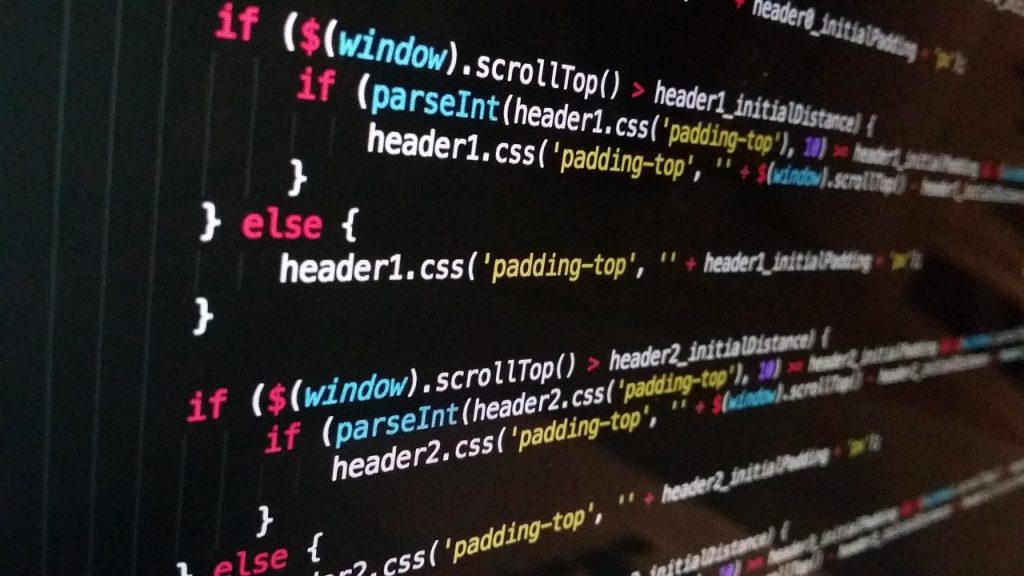
You do not need to read source code to spot weak maintenance practices. These indicators tell you whether an extension is actively maintained and likely to receive security fixes.
- Recent updates and changelogs. Look for a clear changelog and recent commits or releases. Extensions with long gaps between updates — especially when they integrate with third‑party services — are riskier.
- Active support and issue response. Check how quickly the author responds to reported issues and whether fixes are released. Silent projects often have unresolved vulnerabilities.
- Transparent dependencies. Good extensions list what third‑party libraries or services they rely on; unknown or unmaintained dependencies increase exposure.
- Minimal attack surface. Check whether the plugin exposes extra PHP files, admin pages, or REST endpoints beyond its advertised feature set — those surface areas are attack vectors.
Lightweight checks you can do without being a developer
- Open the plugin/theme page and scan the changelog and support tab for recent activity.
- Search the vendor name online to confirm a consistent presence and other products.
- Download and inspect the package locally: look for unexpected executables, obfuscated code or licence files that do not match the vendor.
Permission and capability surface to review
Badly written extensions often ask for more privileges than they need. Reviewing permission requests helps prevent privilege escalation and site takeover.
- Understand required roles and capabilities. Review what WordPress roles the extension targets and whether it creates new user roles. Avoid granting administrator access for features that could be handled by an editor or author.
- Review capability checks in the admin pages. Plugins should check appropriate capabilities before performing sensitive actions. Review visible settings to see which roles can access them.
- Watch for file modification features. Features that edit theme or core files, execute shell commands, or write to system folders increase risk and deserve extra scrutiny.
- Review use of the Capabilities API. Review the extension’s use of WordPress capabilities (the Capabilities API) and avoid plugins that grant broad ‘manage_options’ or ‘administrator’ capabilities without clear need.
Sandbox testing and staging validation
Never push a new extension straight to a live site. A simple testing routine reduces the chance of downtime or a compromise.
- Install on a local or staging environment first. Test the extension in a clone of your site to observe behaviour, check for conflicts and confirm performance impact.
- Perform key functional checks. Verify that frontend behaviour, admin pages, login flows and backups still work after installation.
- Test updates and rollback on a staging site before pushing to production, and keep a known-good backup to restore in case of a faulty update.
- Use logs and debug tools. Enable error logging while testing to catch warnings or failures that might be suppressed in production.
Monitoring and response for compromised extensions
Even well‑maintained extensions can be compromised via a vendor breach or supply‑chain attack. Prepare to detect and respond quickly.
- Monitor plugin behaviour. Watch for unexpected outbound connections, new admin users, changed files or unusual CPU/network spikes after installing or updating an extension.
- File integrity monitoring. Use a file integrity tool or a simple checksum process to detect modified files in wp-content after updates.
- Have an incident runbook. Define who disconnects the site, restores backups, and notifies stakeholders if you detect malicious behaviour. If you need a compact playbook, see our incident response runbook for small teams.
- Plan for rapid rollback. Test your restore procedure periodically so you can revert to a known‑good state quickly if an update introduces malware or breaks critical functionality.
Privacy and tracking considerations
Some extensions embed analytics, tracking pixels or calls to advertising networks. Treat these as privacy and regulatory risks, especially if your audience is in jurisdictions with strict data protection rules.
- Review external calls. During staging tests, observe network calls that the extension makes. Calls to unknown domains or ad networks should be justified in the documentation.
- Prefer privacy-friendly options. If an extension requires analytics, consider privacy-focused alternatives or server-side collection. Our guide to privacy-friendly tracking alternatives outlines practical replacements.
- Check data retention and export features. Extensions that collect user data should document how long it is stored and how it can be exported or deleted.
Quick decision checklist
- Source: Official directory or reputable vendor?
- Maintenance: Active updates and responsive support?
- Permission: Requests only the capabilities it needs?
- Sandbox: Tested on staging with backups in place?
- Monitoring: File integrity and network monitoring enabled?
- Privacy: External calls justified and documented?
- Rollback: Restore tested and available?
Follow this checklist as a routine part of onboarding any new theme or plugin. It will not eliminate all risk, but it will dramatically reduce the chances of introducing vulnerable or malicious code to your live site.
Closing action: Before you install the next extension, clone your site to a staging environment, run the checklist above and document the results. If an extension fails one or more critical checks, look for alternatives or contact the vendor for clarification before proceeding.